

Tracking links are very useful for small businesses
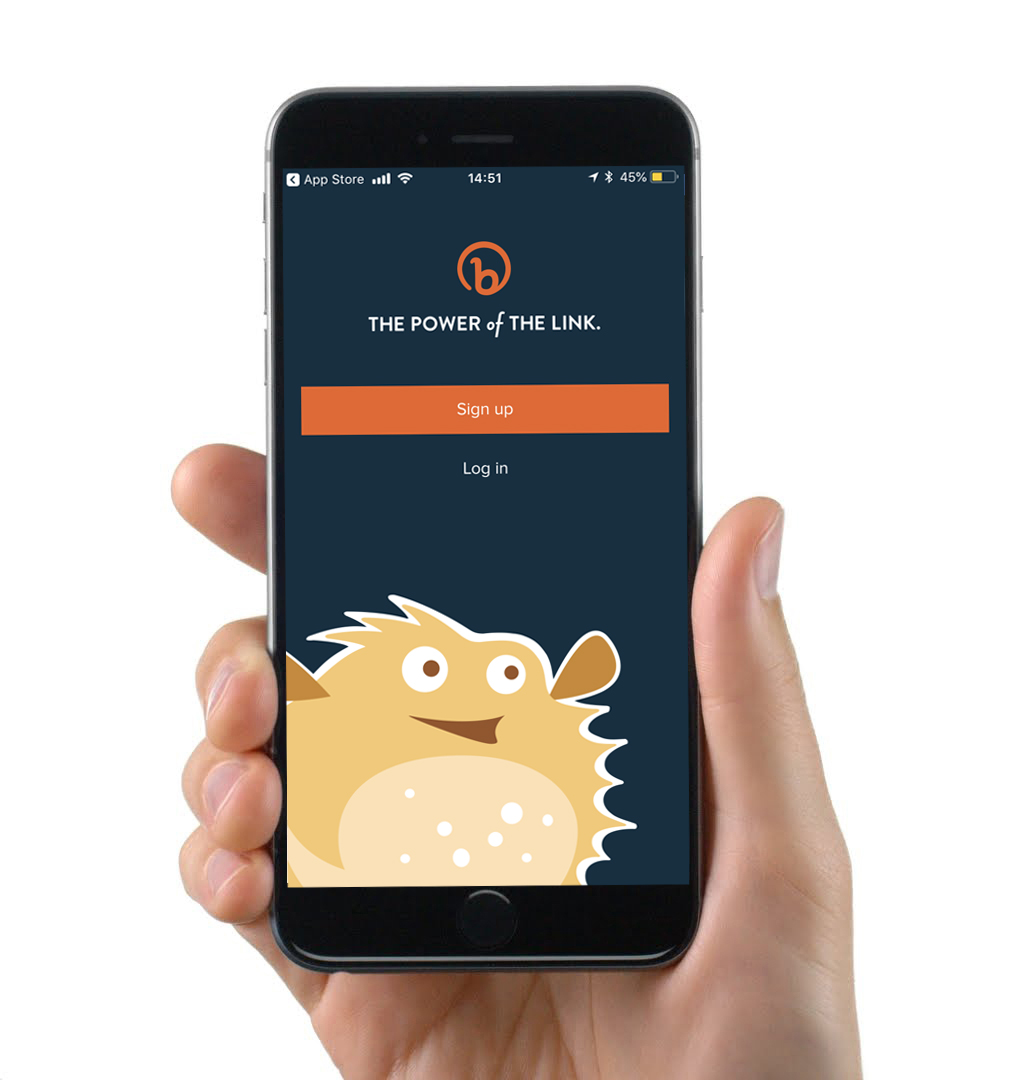
If you use your phone to post on social media platforms on the go I would also recommend downloading the Bitly mobile app.
What are tracking links?
Tracking links are a great way of checking that your marketing and social media activity is working. For example, are people clicking through to your website? Are they interested in the content that you’re posting? Well, tracking links are a way of shortening any URL and making it trackable and identifying how many times a link has been clicked through from a post, advert, email etc-clearly very powerful for monitoring sand measuring your marketing activity.
So, for example if I wanted to track the link to the Shelton Associates homepage (www.sheltonassociates.co.uk) I could generate a link that still takes me to the Shelton Associates homepage (visitors will not notice any difference) however, the new link is trackable and I can see how many times the link has been clicked on, what time of the day and the location of where the click took place.
Where should I use tracking links?
You should use tracking links to monitor click throughs on your Facebook posts, Twitter posts, LinkedIn posts, Google posts and App Download (click here to learn more about Apps for small businesses). If you are not getting many people clicking through to the URL then your content may need a rethink!
How do I create tracking links?
There are a number of tools out there that will help you generate tracking links. One of the most popular systems to use http://Bitly.com. Bitly will also give you the option to ‘customise’ your links to make sense to the user. There are other tools out there such as Google URL Shortener https://goo.gl/ however this will only be available to existing users from April 13th 2018. These tools are free to use and easy to get going straight away.
If you use your phone to post on social media platforms on the go I would also recommend downloading the Bitly mobile app!
Use tracking links across all social media platforms and make sure to track your results – if your content is not generating you leads and enquiries then something needs to be done!